Tracing Getting Tedious? How to Convert Any Photo Into a Crisp Tattoo Stencil Instantly
Every tattoo artist knows the unspoken nightmare of the prep workflow: the reference photo that won't cooperate.
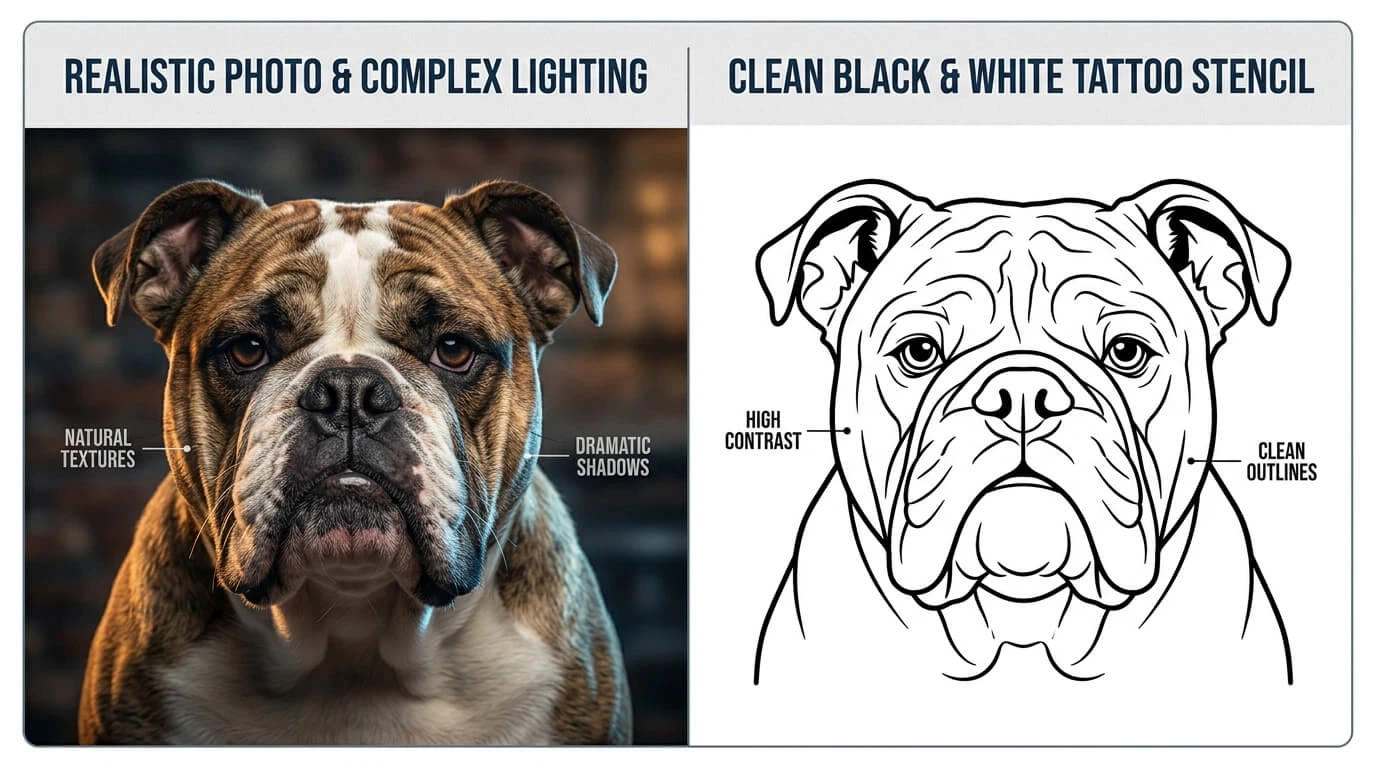
An excited client sends you a highly detailed, poorly lit photo of their bulldog, or a complex piece of baroque sculpture, and expects you to turn it into a clean tattoo. You load it into Procreate, create a new layer, and prepare yourself for two hours of tedious, eye-straining digital tracing just to get a usable stencil.
It's exhausting, it kills your creative momentum before the needle even touches the skin, and frankly, time is money.
Why Manual Tracing is a Bottleneck
Manual tracing isn't just slow; it introduces human bias into the blueprint. When you are looking at complex gradients or overlapping shadows, your eyes have to make split-second decisions on where the "line" actually is. Sometimes, you lose the subtle essence of the original image during the trace.
Moreover, when you're running a busy shop, spending 90 minutes on a stencil for a small walk-in client dramatically cuts into your daily hourly rate.
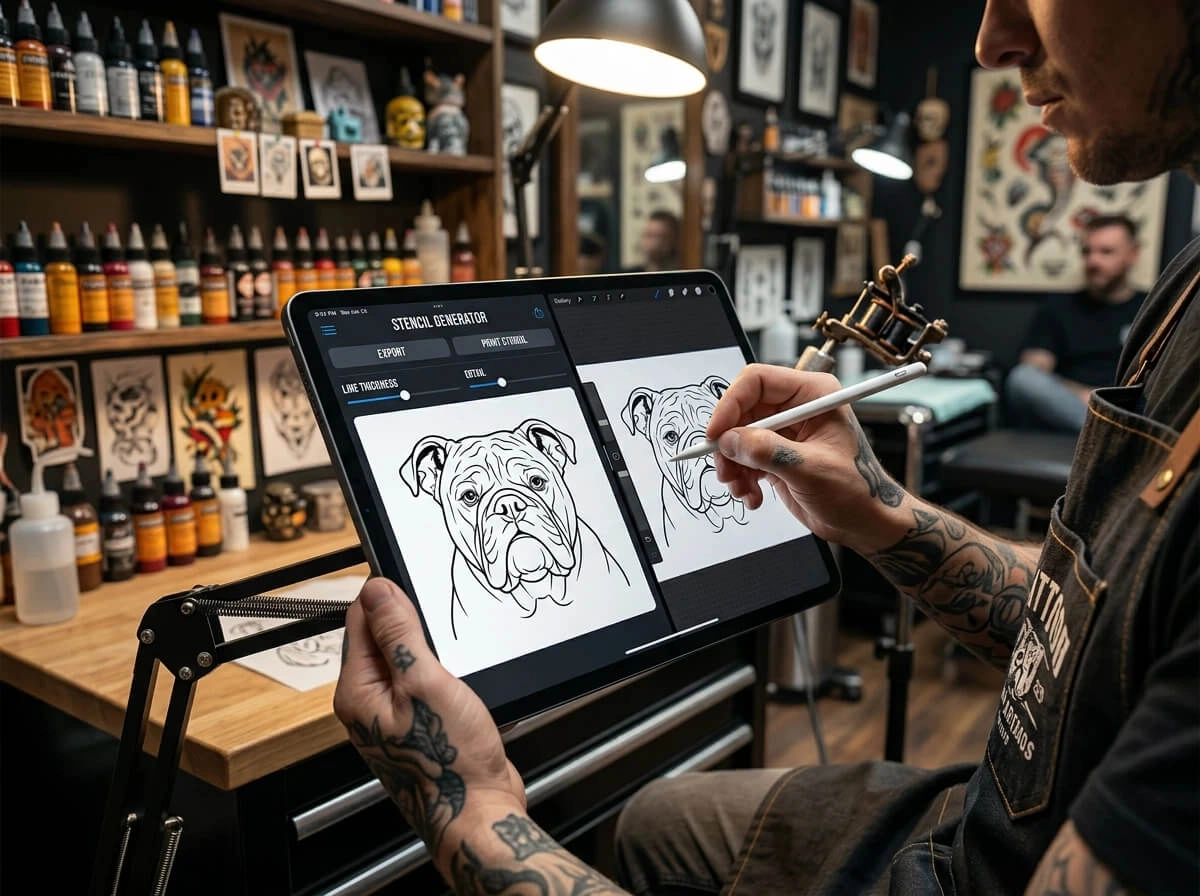
The Smart Way: AI-Powered Linework Extraction
Technology has finally caught up with the stencil machine. Instead of fighting with contrast adjustments and photocopy layers, modern shops are turning to specialized neural networks to do the heavy lifting in seconds.
Drop your reference image straight into our free AI Tattoo Stencil Generator (works flawlessly on your iPad or mobile browser). The algorithm automatically strips out the noise, balances the mid-tones, and exports a sharp, high-contrast outline ready for your thermal stencil printer.
How to Prep Your Photo for the Perfect Clean Line
To get the absolute best result, spend 60 seconds prepping the file: boost local contrast to distinguish skin tones from dark fabric, and crop out chaotic background clutter so the engine focuses entirely on the main subject.
Not an Artist? This Tool Is for You Too
Here's the part most tutorials skip. You don't need to be a professional tattooist to benefit from a clean stencil. If you're a collector who wants to bring a ready-to-use outline to your local shop, this tool ensures your artist gets the exact lines you imagined — no miscommunication, no expensive redraws. Print it out, hand it to your artist, and watch them nod with approval because they know exactly what you want. No more "I thought you meant something thinner" conversations.
Stop treating your stencil prep like a chore. Automate the grunt work, save your wrist muscles for the actual tattooing, and focus your energy where it matters most: delivering solid, flawless saturation on skin.